Batch ebook conversion
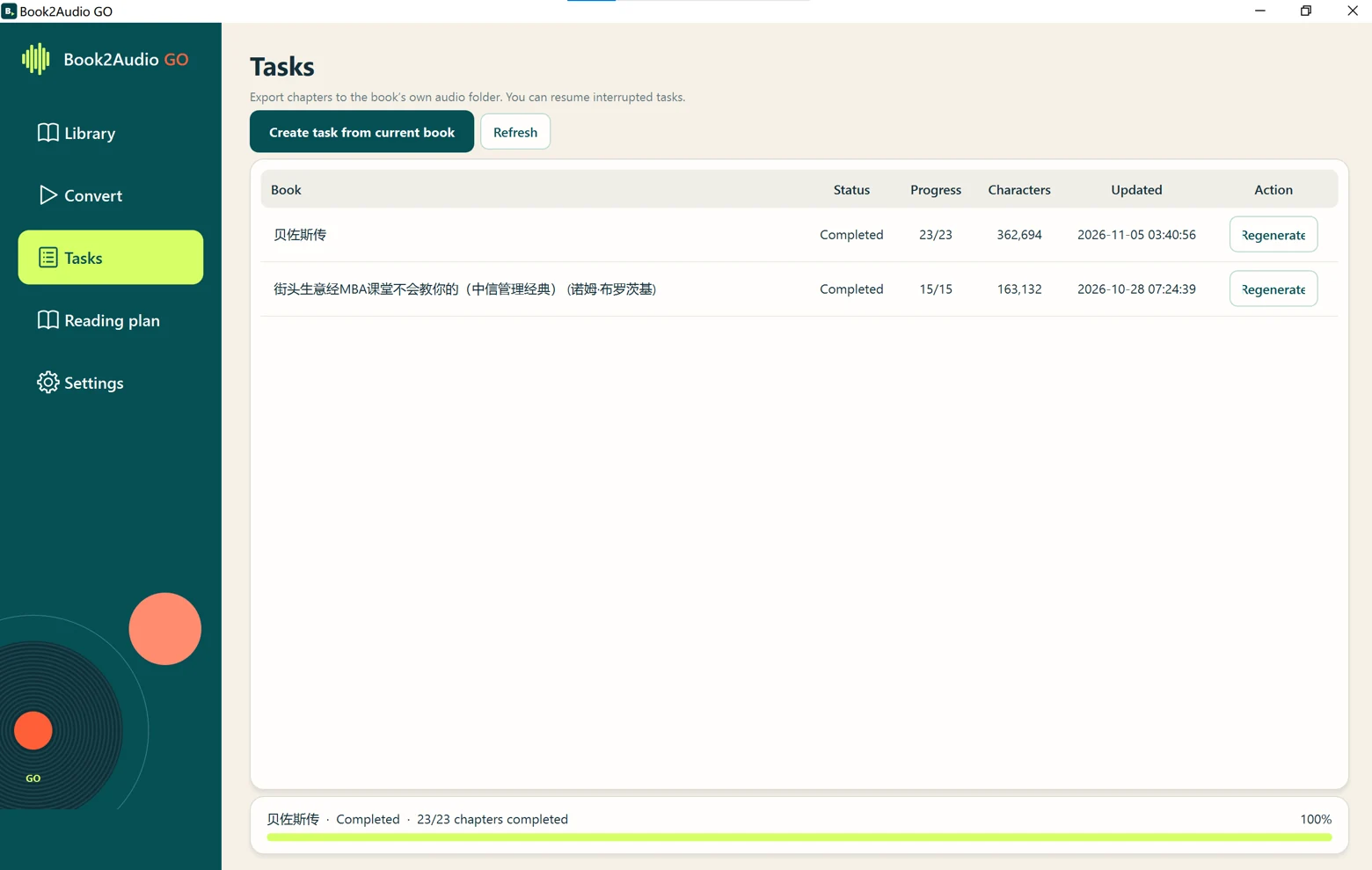
Queue several books and check progress in Tasks.
Your books. Your voice. Your listening time.
Turn your ebooks into audio with Book2Audio GO, a downloadable Windows ebook to audiobook converter with free core features. Supports PDF, EPUB, TXT and DOCX, with chapter-based MP3 or WAV export. Choose a voice and take your reading on the go.
✓ Free core features · Windows 10/11 · Online and local voices
EPUB · PDF · TXT · DOCX MP3 / WAV
Convert EPUB to MP3 for listening on the go, or try PDF to audiobook conversion for a break from the screen. Book2Audio GO also supports TXT and DOCX, with MP3 or WAV output. Preview and select detected chapters, then export chapter-based MP3 files to keep your listening organized.
Sometimes it is not that you do not want to read—you simply cannot look at a book or screen. You do not have to wait for a platform to release the audiobook you want. The ebooks you already own can become your own audiobooks.
Formats →Use this ebook to audiobook converter to narrate novels or bedtime stories without background music. You can also convert Word documents and TXT files to audio.
Queue several books and check progress in Tasks.
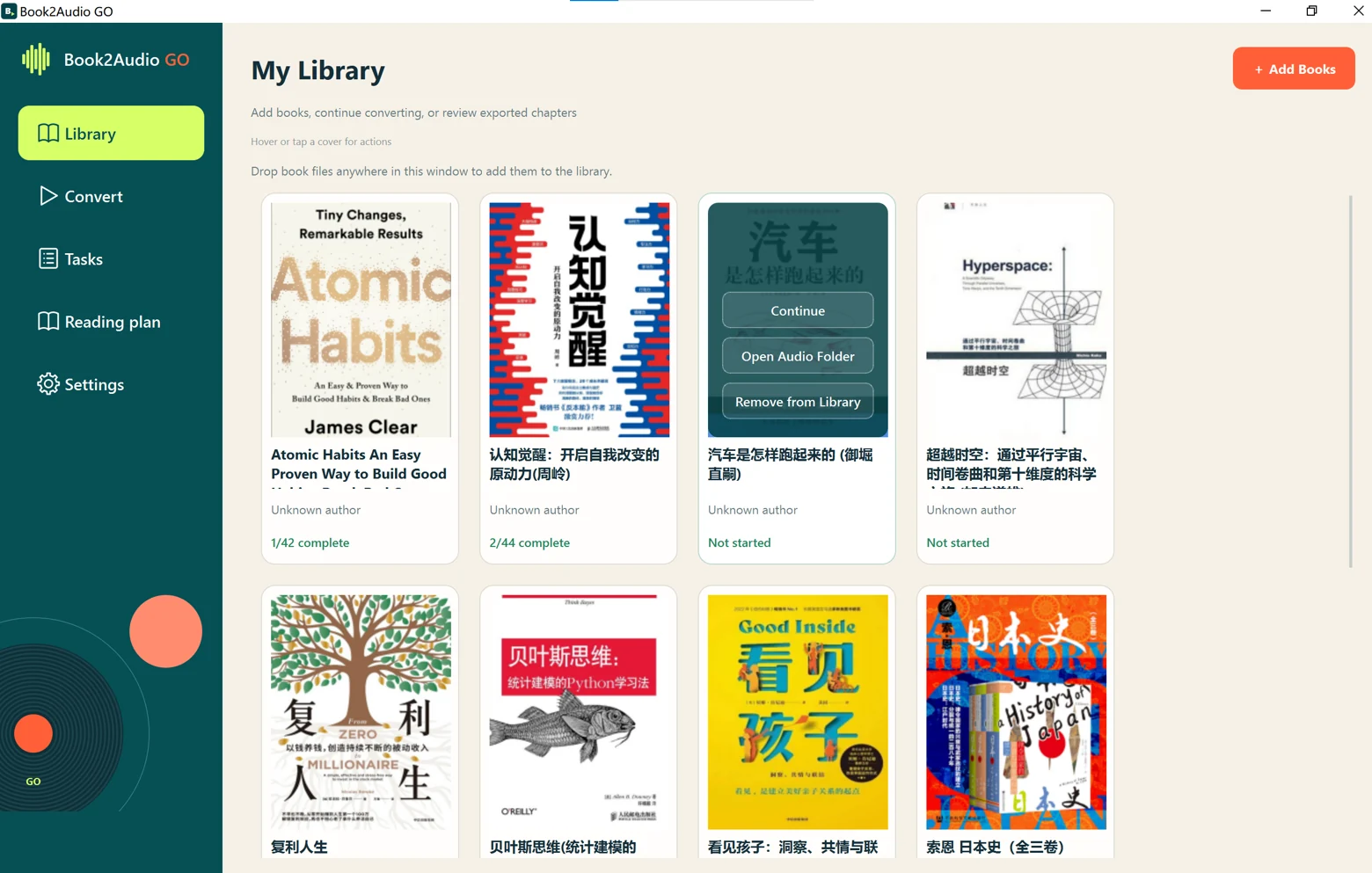
Organize your ebooks, resume conversions and open each book’s audio folder.
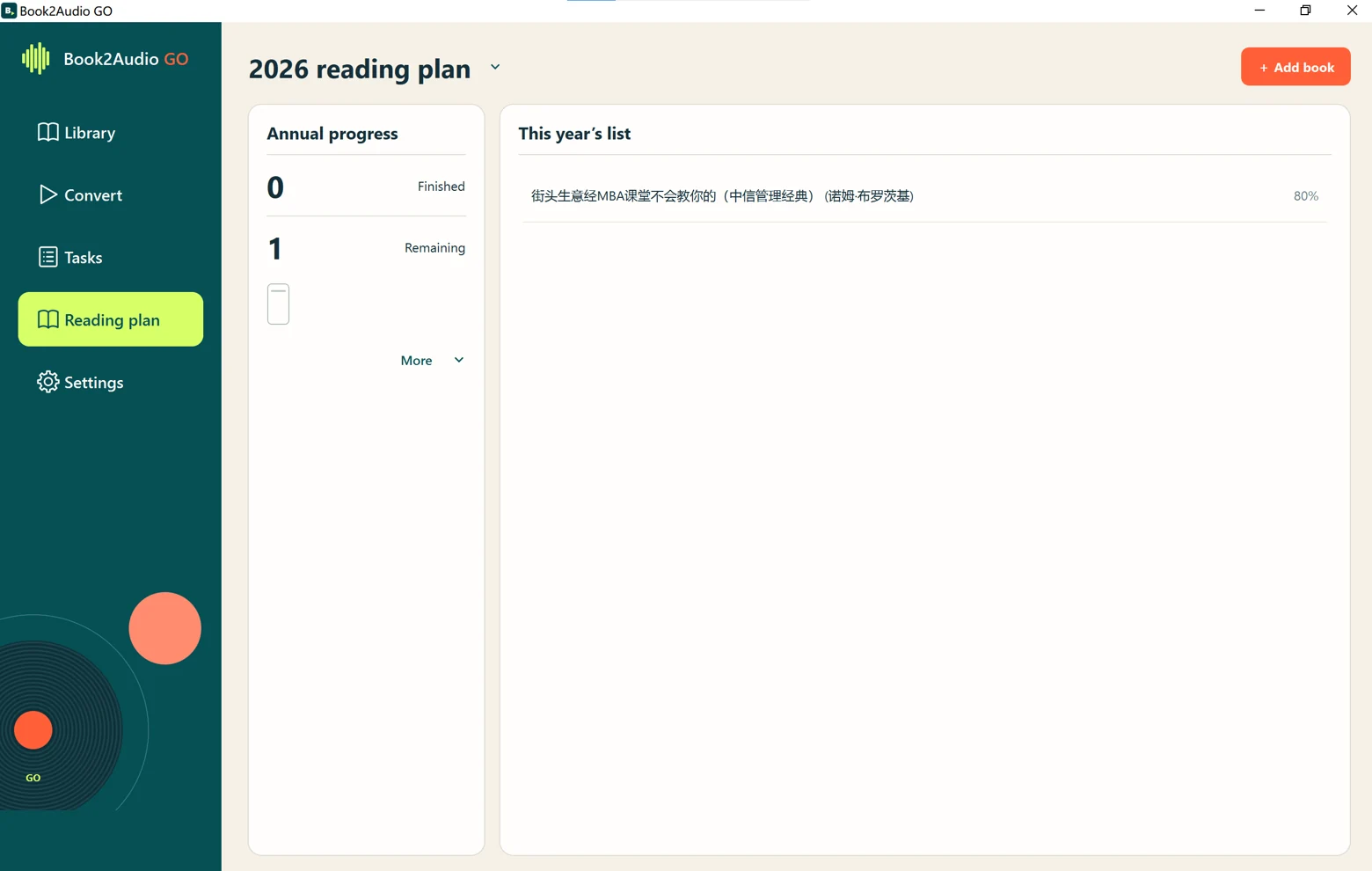
Set a yearly goal and plan the books you want to finish.
Add an EPUB, TXT, PDF or DOCX file to your library.
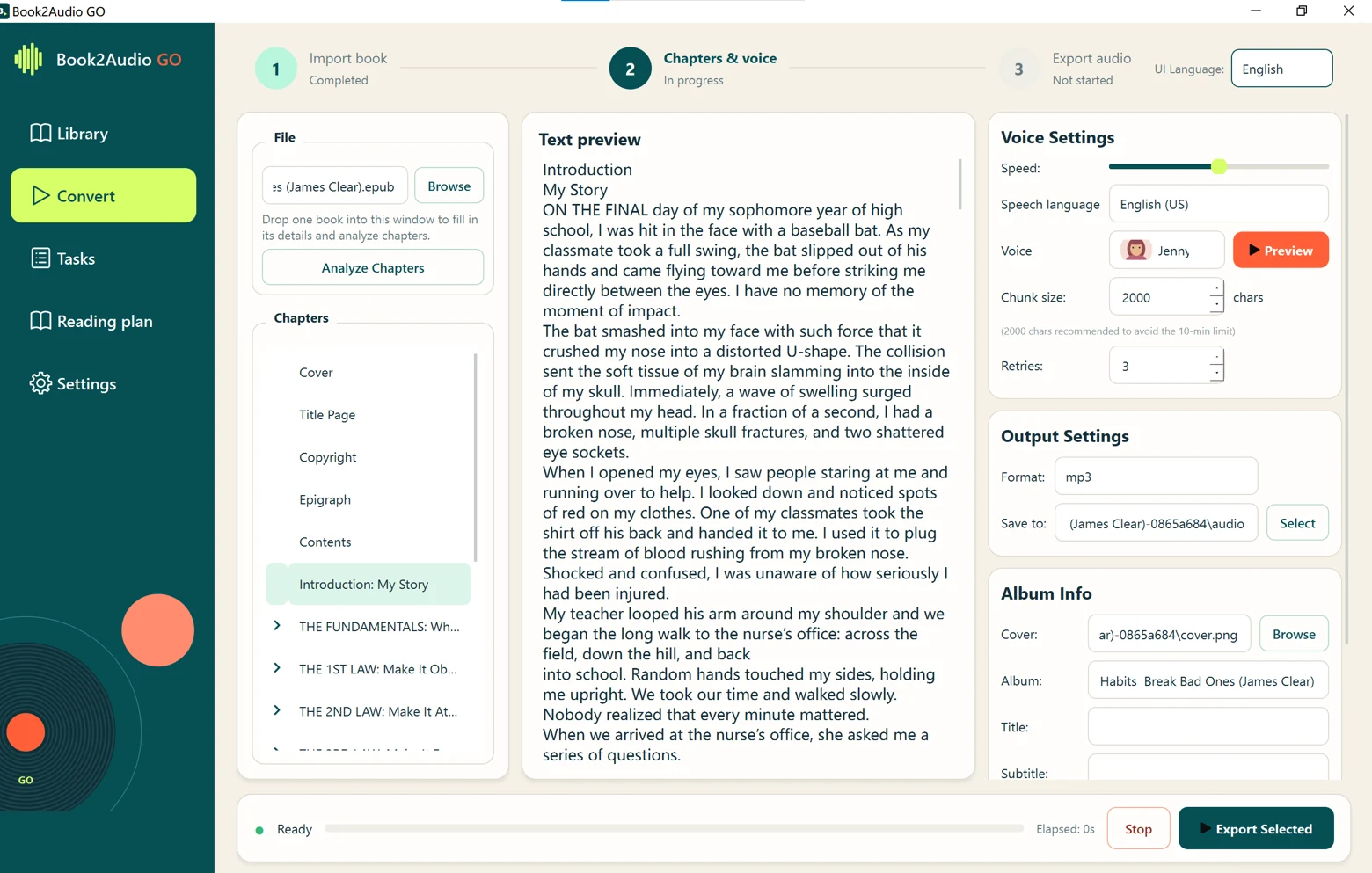
Choose chapters and a voice, or create a task for the whole book and track its progress.
Save the audio as MP3 or WAV. Play it on your computer or copy it to your phone.
YOUR BOOKS, READY TO LISTEN
Turn books you already have into audiobooks for your commute, walks or a break from the screen. Book2Audio GO is a downloadable Windows app: import your ebook, check its chapters, choose a voice and save MP3 audio to your computer. The core conversion features are free to use.
Convert a text-based PDF to audiobook audio. Check the extracted reading order, choose the sections you need and export them for listening.
How to convert a PDF to audio →Convert EPUB ebooks to chapter-based MP3 files. Preview the book's detected chapters and choose a voice before exporting.
How to convert EPUB to MP3 →The main ebook-to-audio conversion features are free to use. Download the Windows app from this website and start with a short chapter to check the result.
Books are parsed on your computer. Online voices send text to a speech service; installed local voices generate audio on your computer.
Yes. The app supports EPUB, PDF, TXT and DOCX input, with MP3 and WAV output options. Check the detected chapters and extracted text before exporting. Image-only PDFs need text recognition first.
After conversion, copy the exported MP3 files to your phone and open them in a compatible audio player. Generating the audiobook requires the Windows app; listening to saved MP3 files does not.
BOOK2AUDIO GO